Droople technology
Connect to any water point
A full-stack, retrofit multi-sensing solution: sensors on the asset, an iLink that digitises the data, and droopleOS turning readings into alerts, reports and next steps.
See it in action
What teams see when water is connected
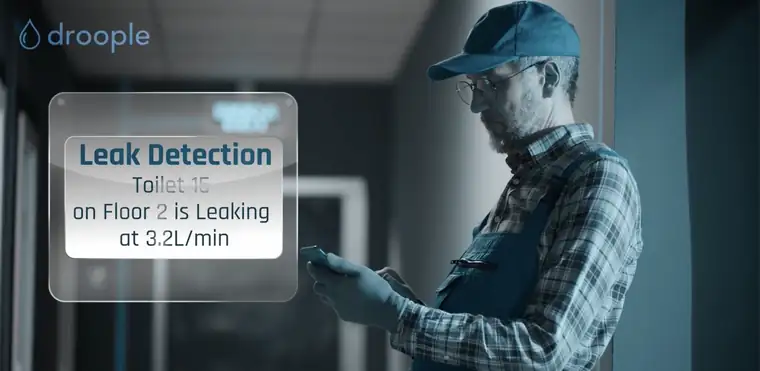
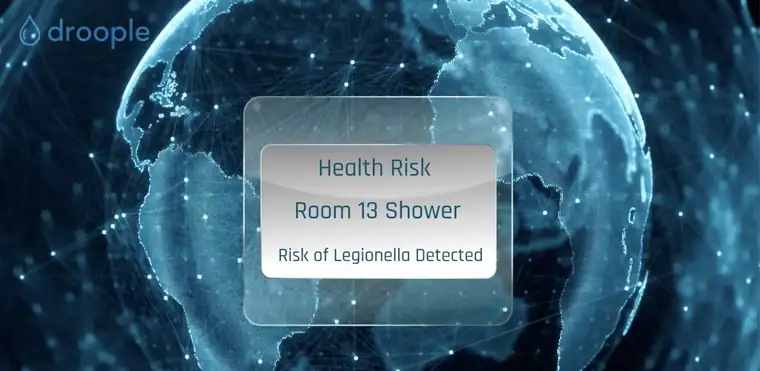
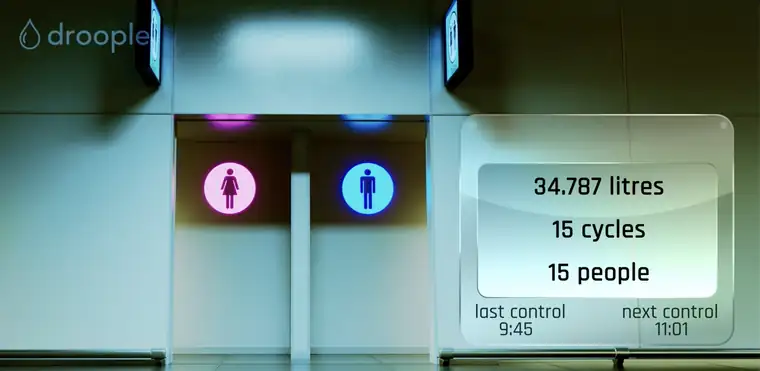
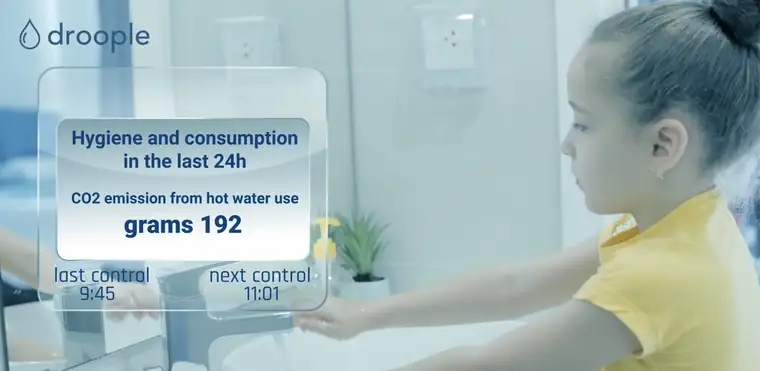
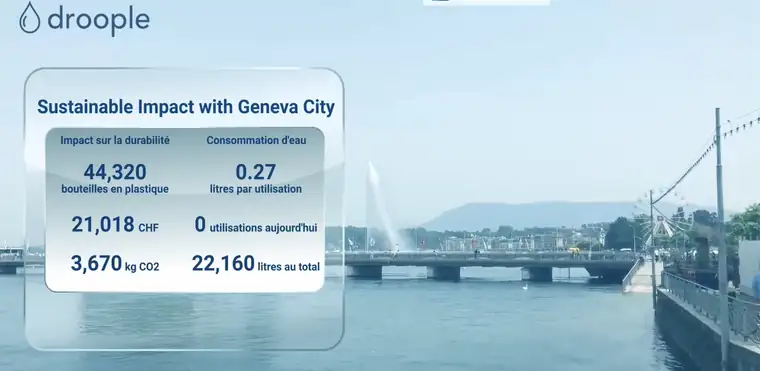
The devices
iLink Drop & iLink Hub
iLink Drop
LoRaWAN, battery-powered. Fits where there is no power at the asset.
iLink Hub
NB-IoT, mains-powered. Works without the customer’s Wi-Fi or IT network.
Up to 3 sensors per iLink
Each iLink measures, pre-processes and digitises water and usage data before sending it to the platform.
Sensors
One kit, many water assets
Flow mono
Real-time consumption and usage cycles with indicative temperature, for small to large pipes.
Flow twin
Hot and cold usage cycles and overall consumption for taps, showers and dual-stream appliances.
Conductivity
Water hardness or TDS, to protect appliances and time filter changes.
CO2 pressure
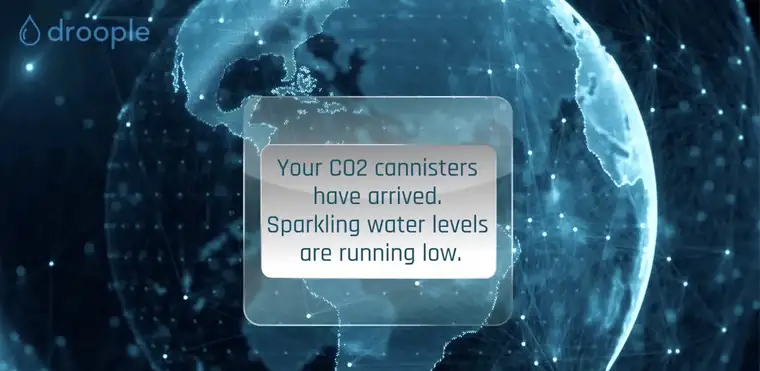
Pressure drop in the canister, with a default alarm for automatic re-ordering.
Water pressure
Pressure in pipes, or pressure drop across sediment filters.
(Sub)metering
From the building’s main meter to the point of use, for remote billing and monitoring.
droopleOS
The platform behind every app
Alarms you can tune
Default alarms for leaks and anomalies, adjustable per site and asset.
Fleet health
Status of every connected asset, with customer notifications.
Open by design
API and BMS integration, or use the Droople dashboards on any device.
Prevent costly events
Localise leaks early — water damage is a major share of property insurance claims.
Usage-based maintenance
Plan servicing, cleaning and consumables on real use, not fixed schedules.
ESG evidence
Measured data for ESG reporting, BREEAM and LEED.
Getting started
From retrofit to real-time in four steps
Retrofit
Install the sensor on the existing plumbing or equipment.
Connect & configure
Scan the iLink’s QR code to attach it to a new or existing asset.
Access the platform
Use droopleOS right away, or connect it to your ERP or third-party tools by API.
Act 24/7
Alerts, usage-based maintenance and cleaning plans from real patterns.
FAQ
Frequently asked questions
How do I access the app?
Log in at app.droople.com with the credentials you received.
Which connectivity should I choose?
iLink Drop uses LoRaWAN through a gateway (4G, Wi-Fi or Ethernet); iLink Hub uses NB-IoT directly. We choose together based on the site.
How do I install and configure a device?
Quick-start guides and DIY videos are on the Droople support site, droople.readme.io. Each iLink has a QR code that opens its configuration.
Who can I contact for help?
See droople.readme.io, or contact us directly.